
Institutions
One platform, four kinds of teaching room
A hospital simulation center, a medical school, an undergraduate healthcare program and a school science classroom are not the same customer. The Asclepius virtual dissection table serves all four — what changes is the model, the software and the lesson plan. This page goes through each in turn.
Medical Simulation Centers
Rehearsal that can be repeated as often as the skill needs
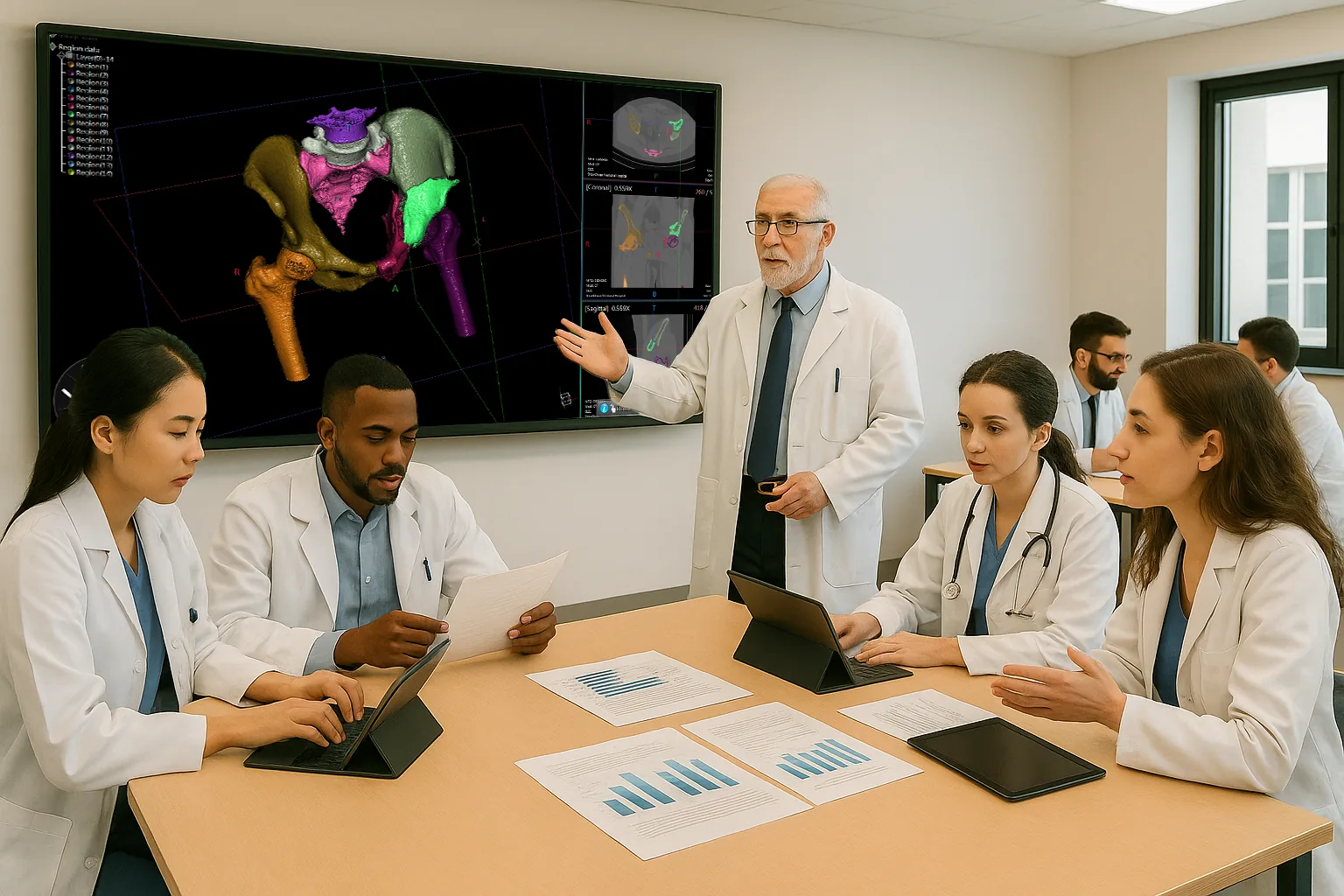
Asclepius supports clinical skills training, basic simulation case studies and collaborative team training in a simulation center, all on 3D anatomy that can be taken apart, restored and taken apart again.
Clinical skills, guided step by step
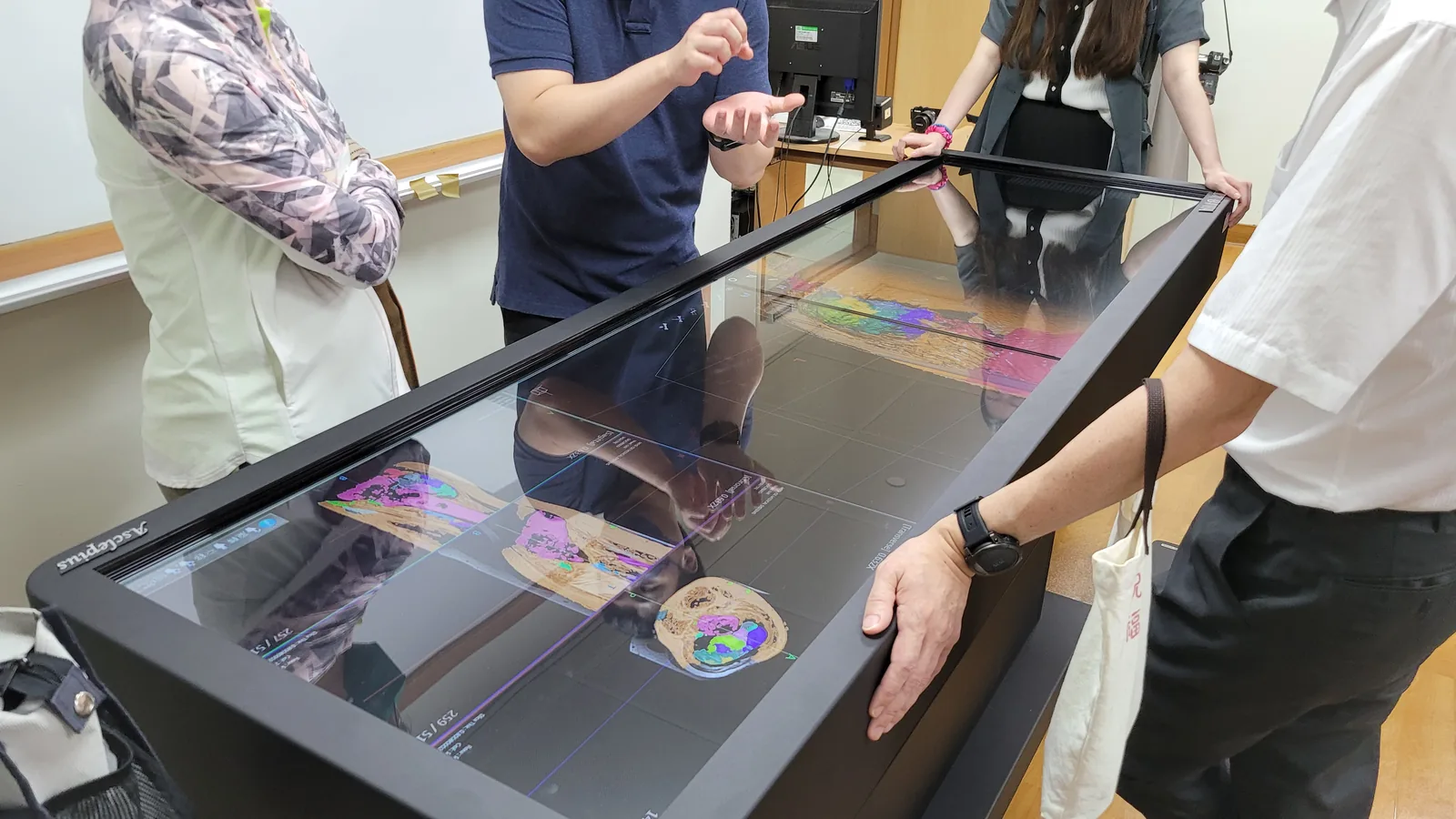
Trainees engage with 3D human anatomy in real time and rehearse the procedure itself — surgery, diagnostics, physical examination, emergency intervention — with intuitive step-by-step guidance and nothing consumed on the way through.
Real-world case studies
A comprehensive library of medical cases to plan surgeries and procedures against, plus DICOM import — so instructors can teach from their own patient studies rather than from a fixed set of examples.
Collaborative team training
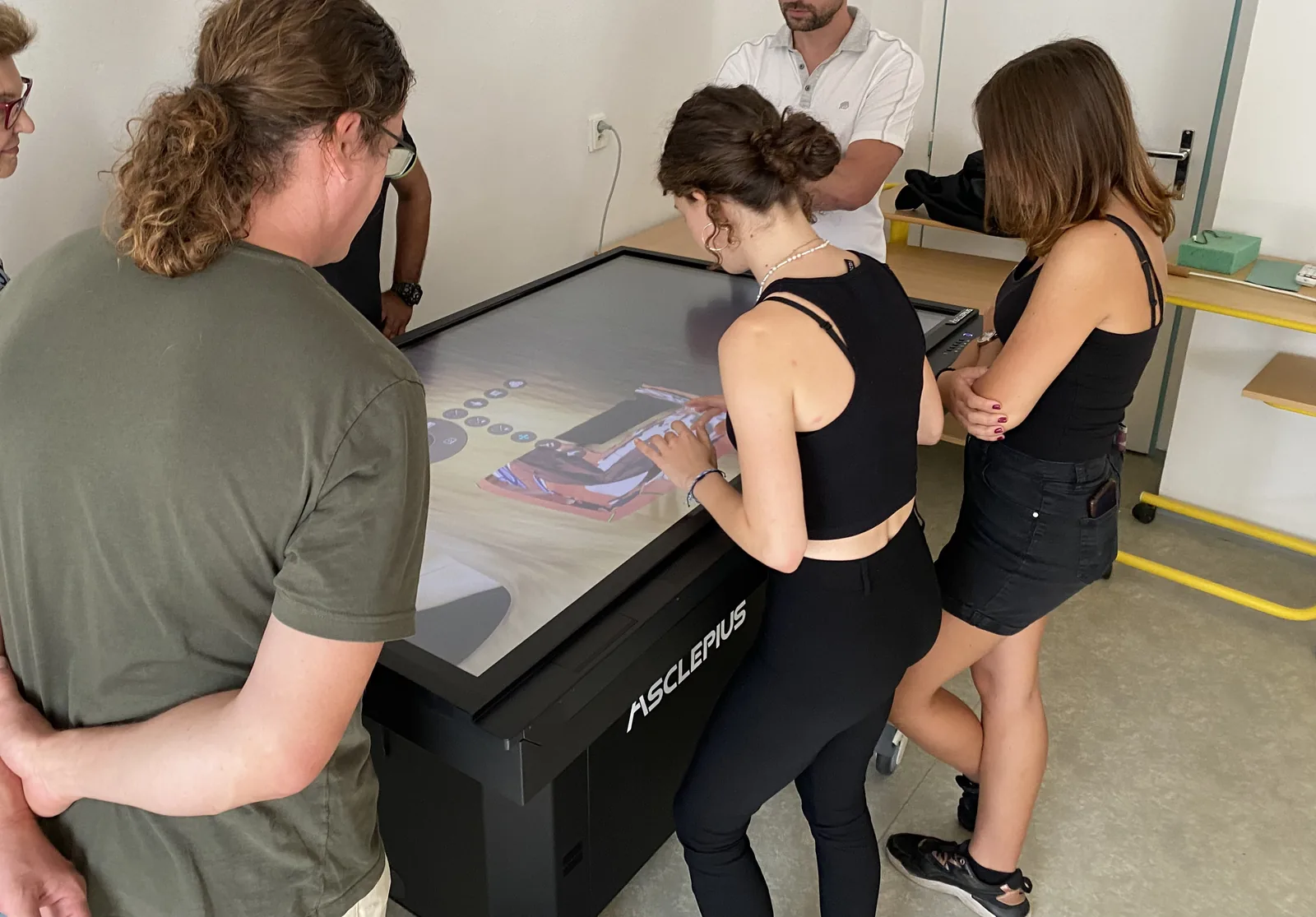
Several people work the same case at once: shared observations, a joint diagnosis, a treatment plan argued out loud. Team communication and joint decision-making get practised, not assumed.
Bringing medical simulations to life
No cadavers to source, no chemical exposure, and no waiting for a rare pathology to arrive. Digital anatomy is available on demand and reproducible for every cohort.
Medical Schools
Nurturing future physicians
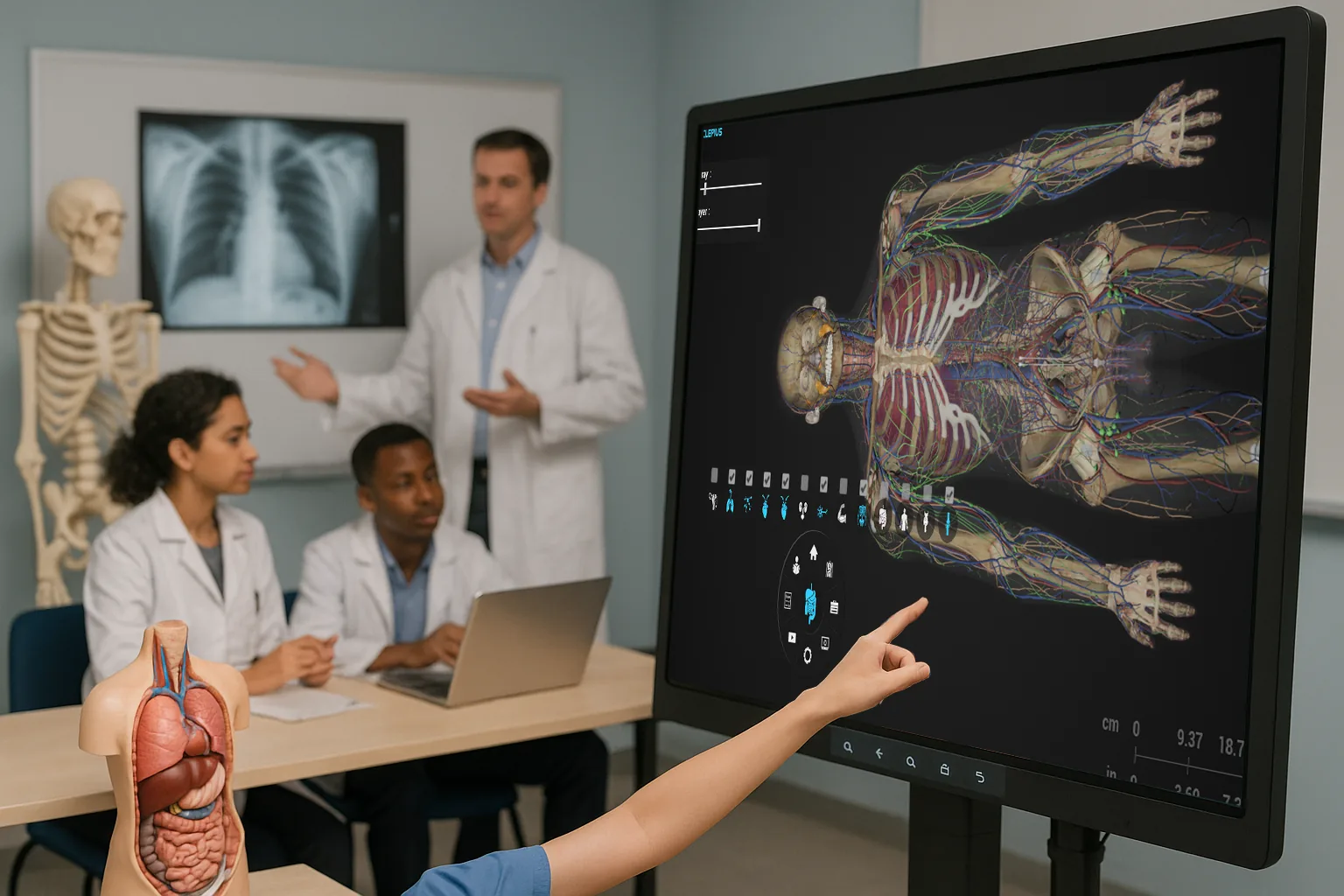
Theory on its own does not produce a physician. Asclepius puts hands-on experience alongside the lecture: anatomy, physiology and pathology explored on virtual models, with clinical procedure and case analysis practised on top of them.
Digital anatomy in the basic medical curriculum
Advanced digital technology integrated into the curriculum rather than parked beside it. A student takes a body apart layer by layer, puts it back, and does it again — as many times as understanding actually requires, which is rarely once.
Every structure is individually modeled and labeled, so the same body serves a gross anatomy session, a physiology lecture and a pathology seminar without anything being prepared in between.
Support for clinical thinking and case analysis
- Realistic patient scenarios — a comprehensive library of real-world medical cases for practising clinical reasoning
- Case-based learning — detailed, customizable patient cases that replicate a real clinical environment: analyze the imaging, name the pathology, defend the diagnosis
Integration with simulation and imaging
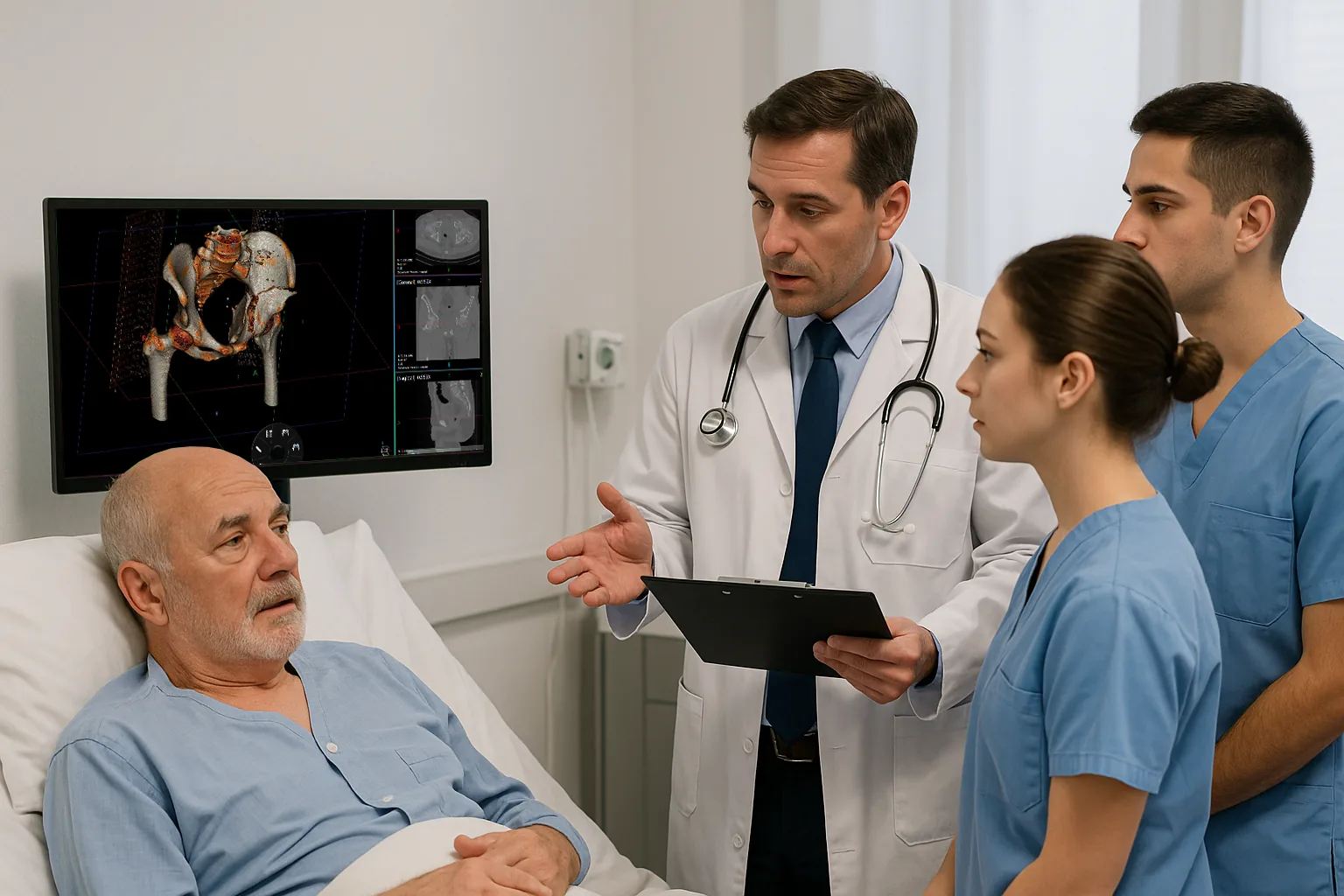
- One teaching ecosystem — the table works with the simulation and imaging equipment a school already owns, bringing high-resolution models, interactive cases and real-time analysis into a single environment
- Import DICOM data — educators upload their own studies and teach directly from them
Advanced case-based learning
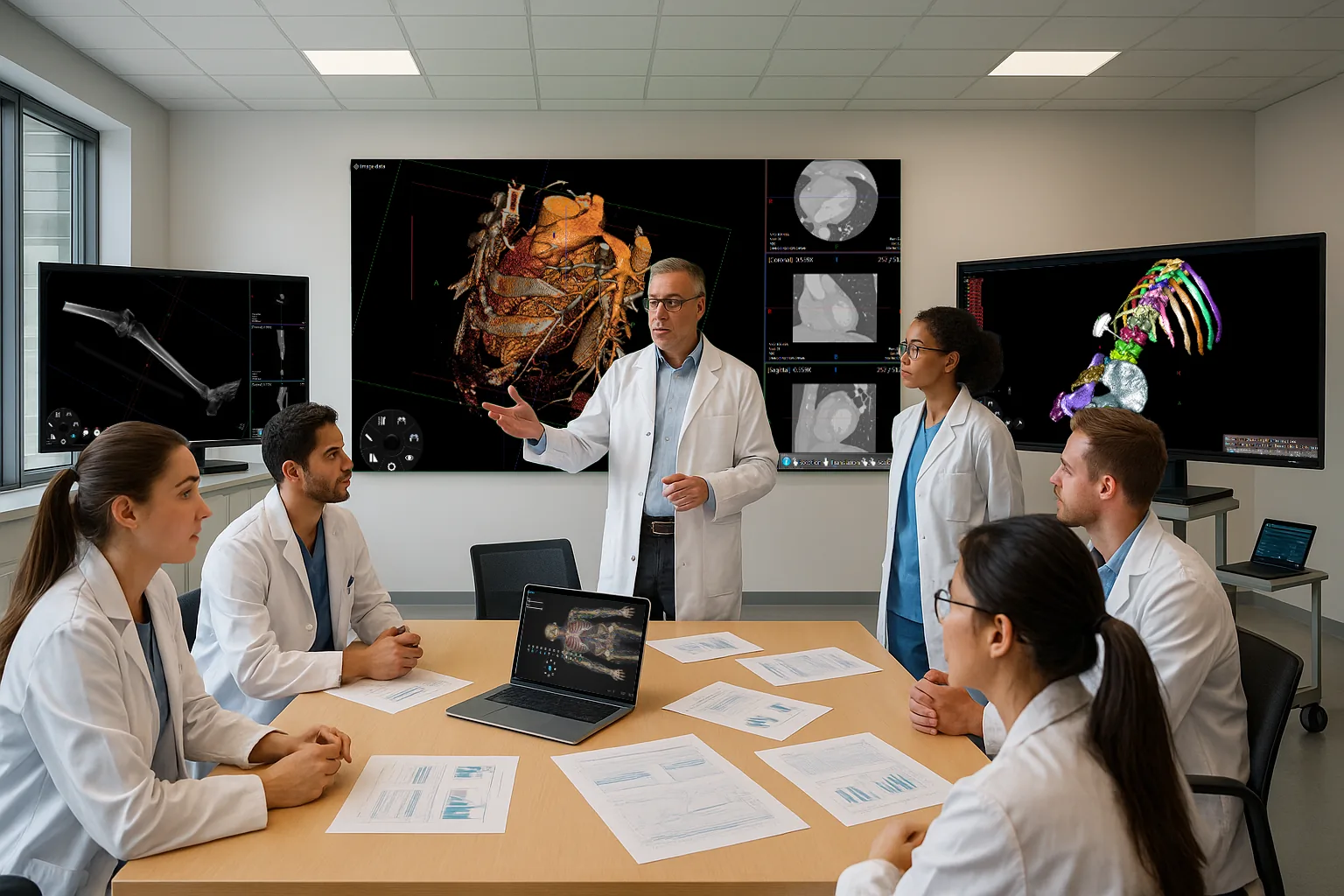
Instructors build their own case scenarios, so a cohort can be walked through a patient pathway rather than a textbook chapter — and the same case can be reopened later from a different angle.
A digital library
No cadaveric resources to source, store or replace. The library is available on demand and updated over time.
Undergraduate Healthcare
Building the foundation before medical school
Digital anatomy and physiology tools for undergraduate cohorts, in the classroom, in clinical simulation, or for self-study in the library.
Anatomy and physiology classes
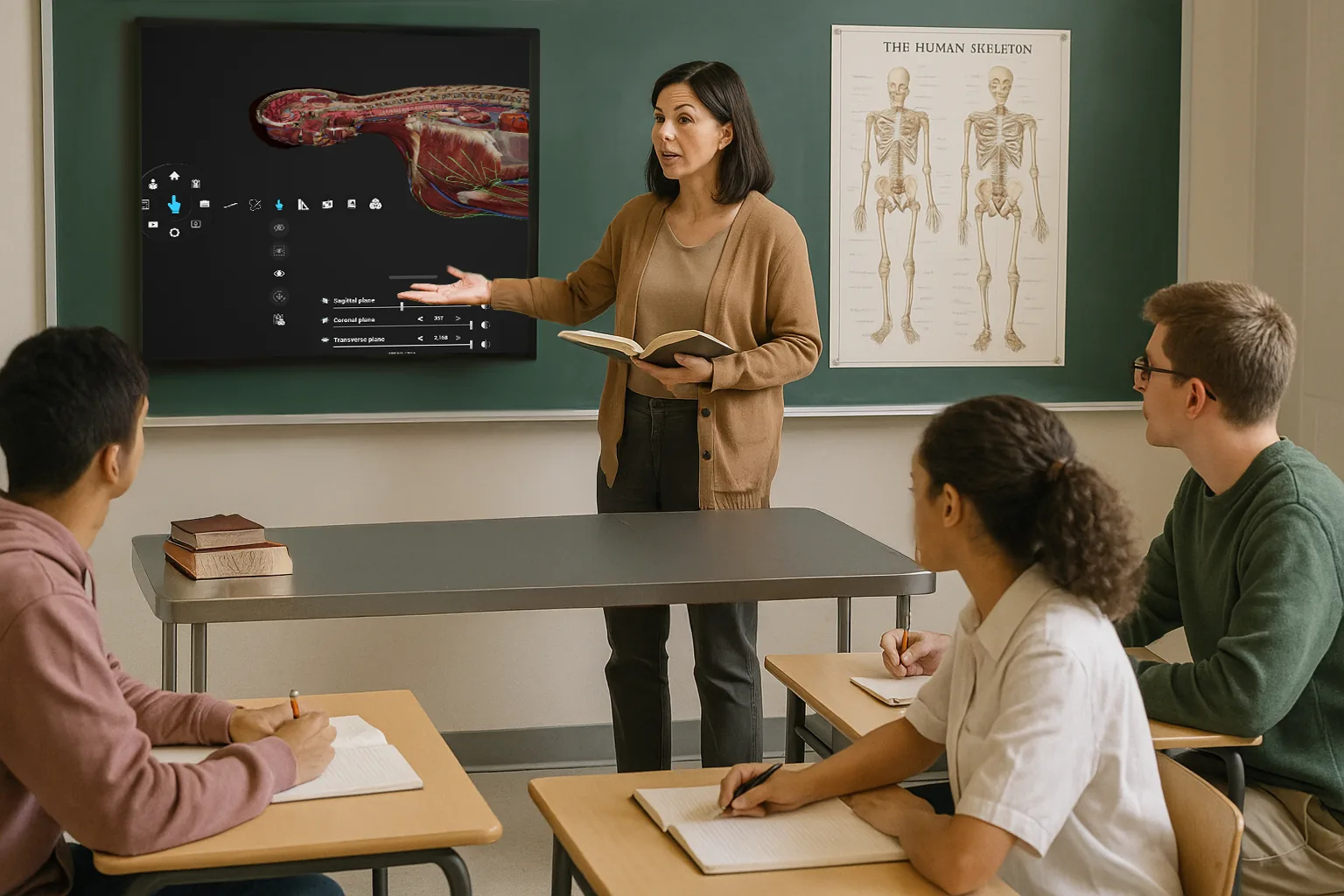
Detailed 3D models bring human biology into the lecture, turning the concepts students usually meet as flat diagrams into something they can rotate and open.
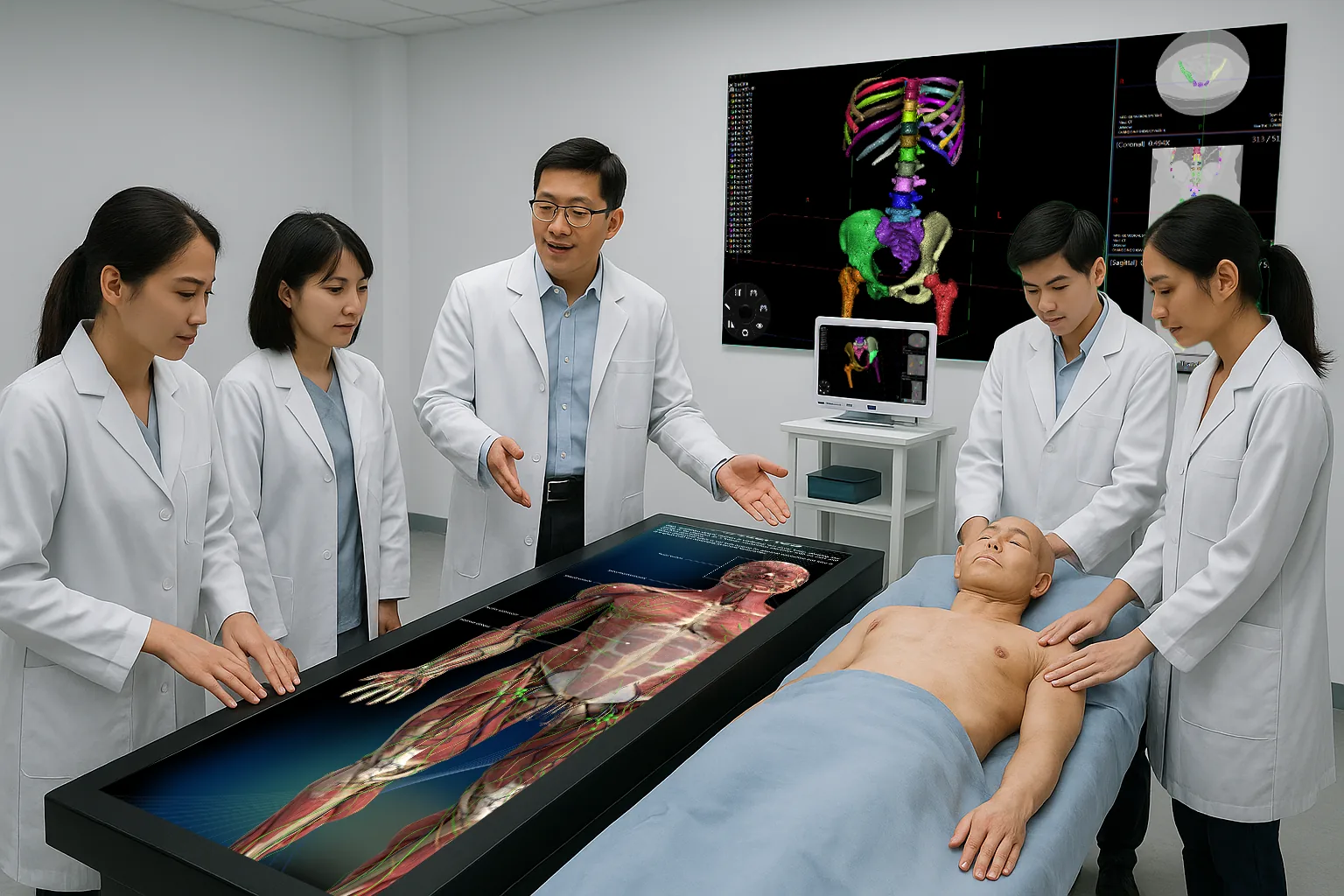
Clinical skills training rooms
Clinical simulations for hands-on practice of essential procedures.
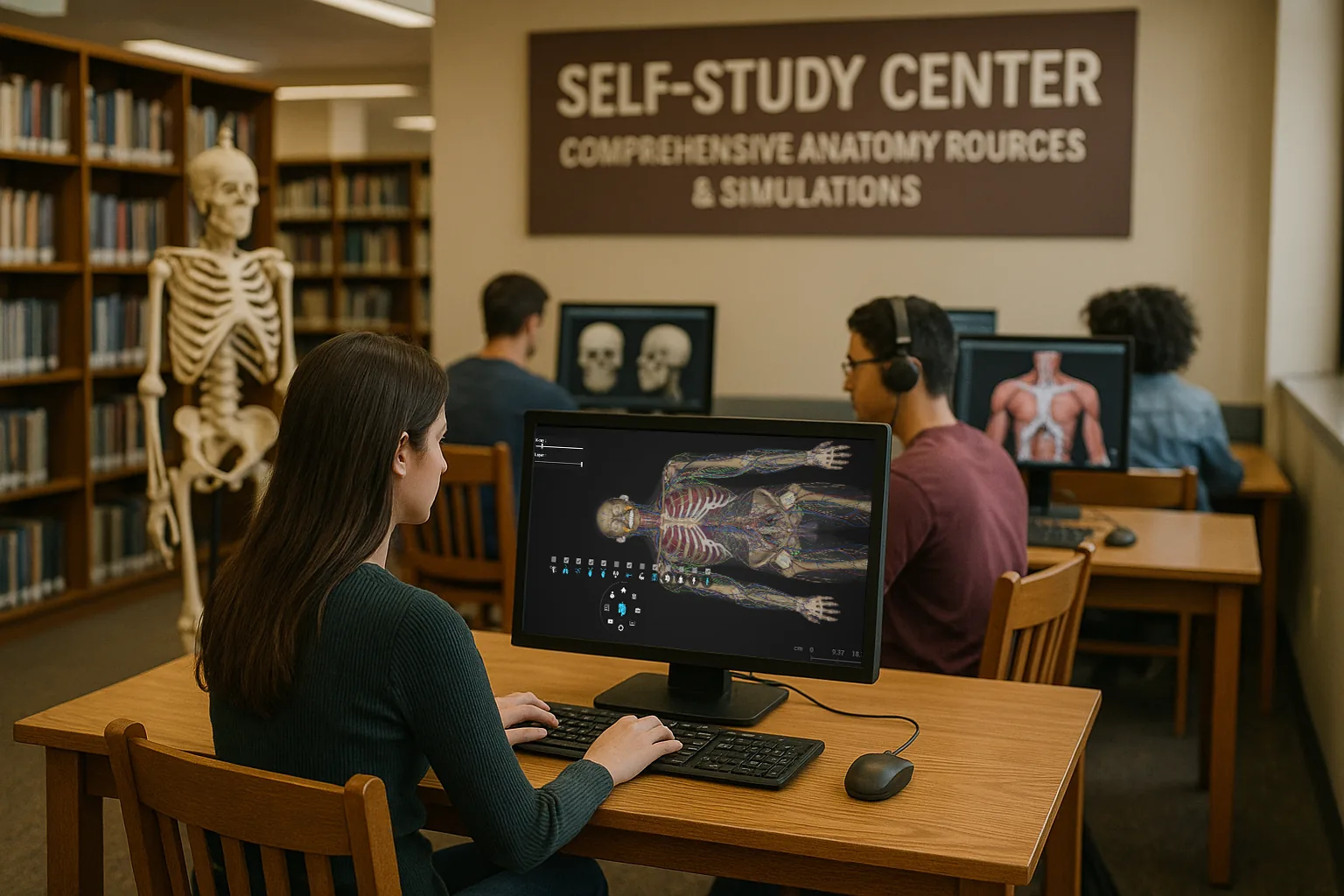
Self-learning centers and library classrooms
The full anatomical library available for self-paced study and revision — no laboratory booking, no supervision, no limit on how many times a region is reopened.
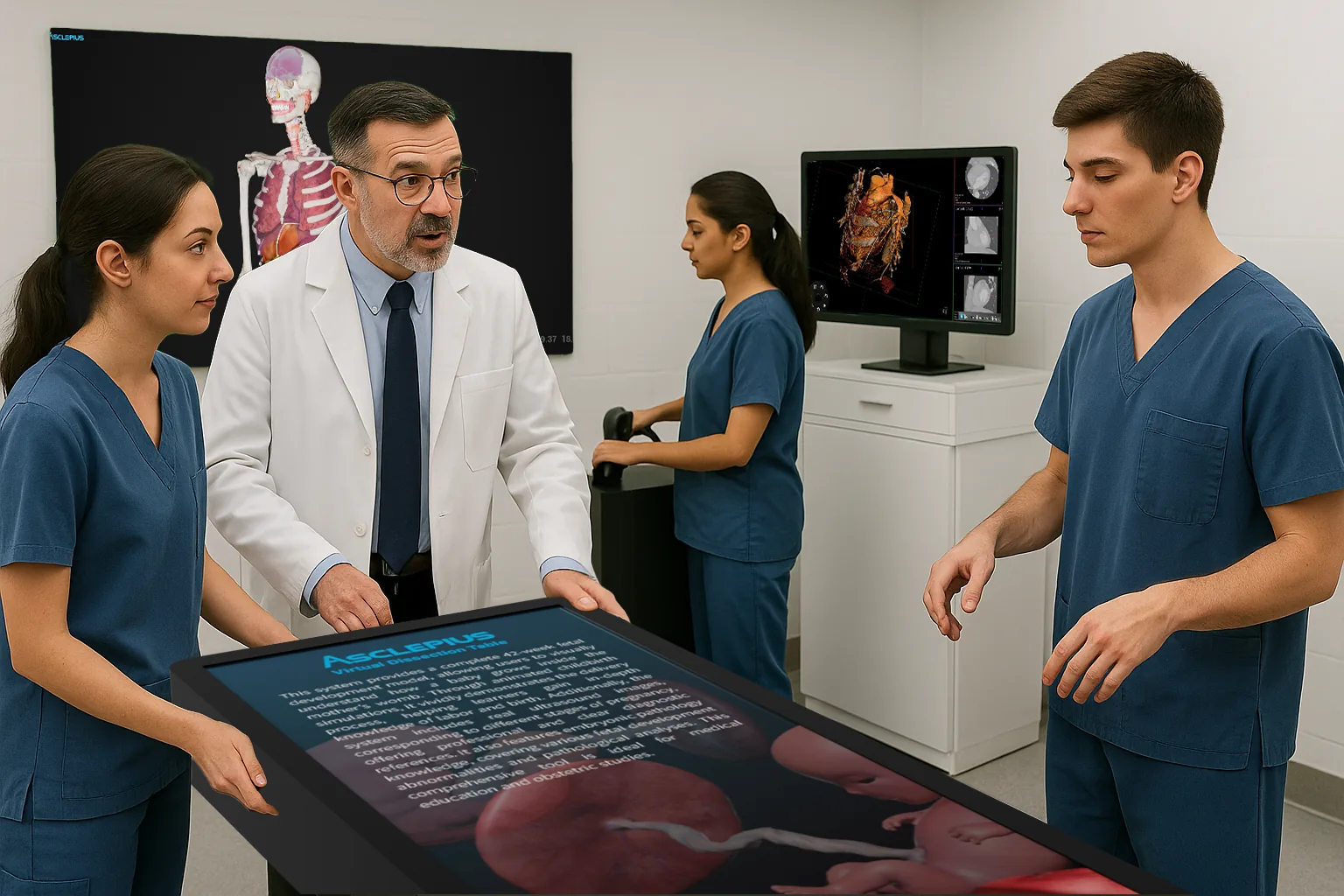
Simulated clinical internships
Hospital simulations that reproduce a clinical setting for student internships.
K–12 Education
Bringing science to life for every grade
High-quality real human anatomy data, taught with no physical samples: nothing preserved, nothing sharp, nothing to dispose of afterwards. The same platform serves a five-year-old meeting the human body for the first time and a final-year student deciding whether to study medicine.
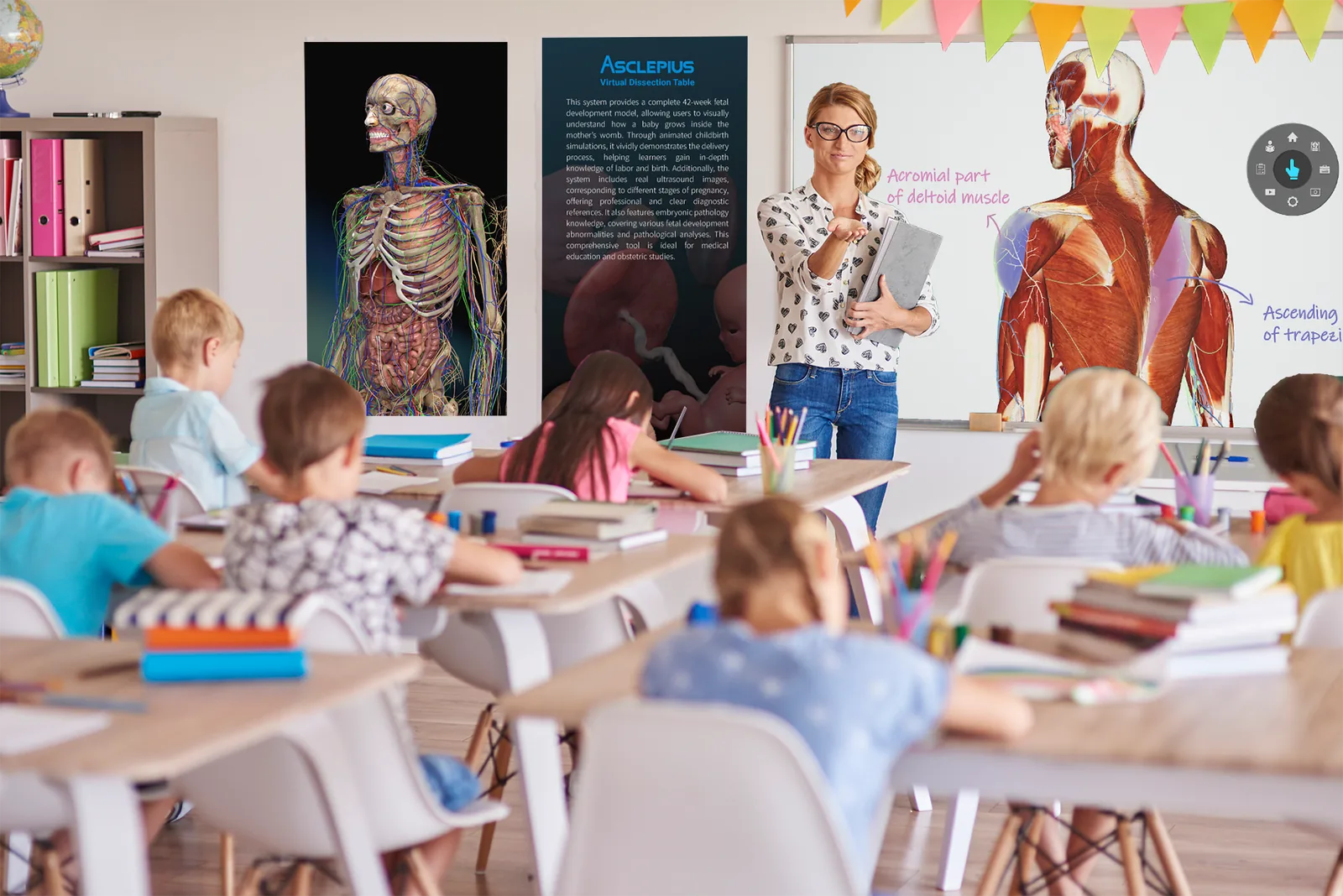
Kindergarten · age 5
First contact with the human body, at a scale a young class can gather round. Nothing to handle carefully, and every question answered by opening the model rather than closing the topic.
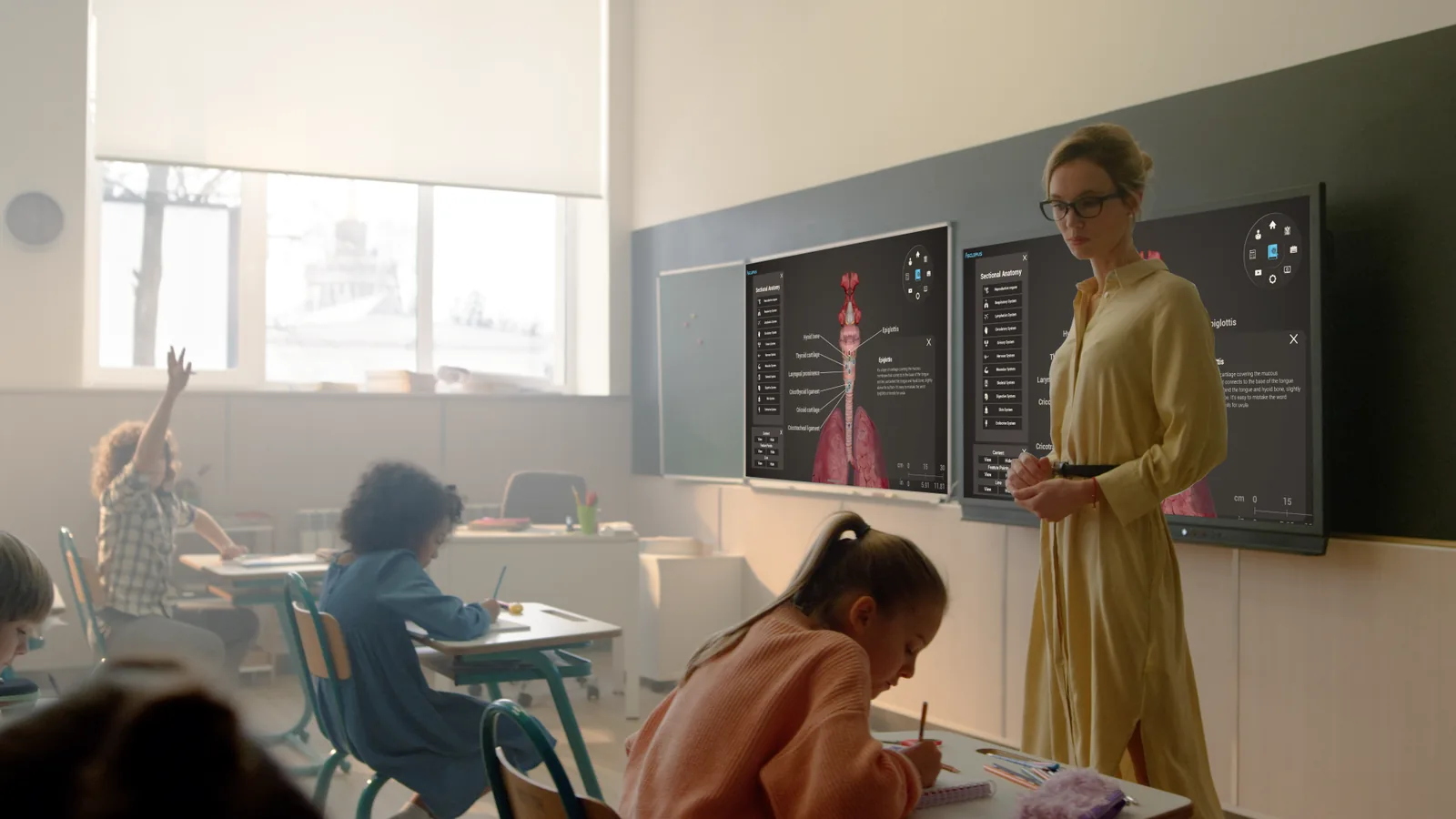
Elementary school · grades 1–5
Core biology turned from an abstract diagram into something on screen that can be rotated, opened up and asked about.
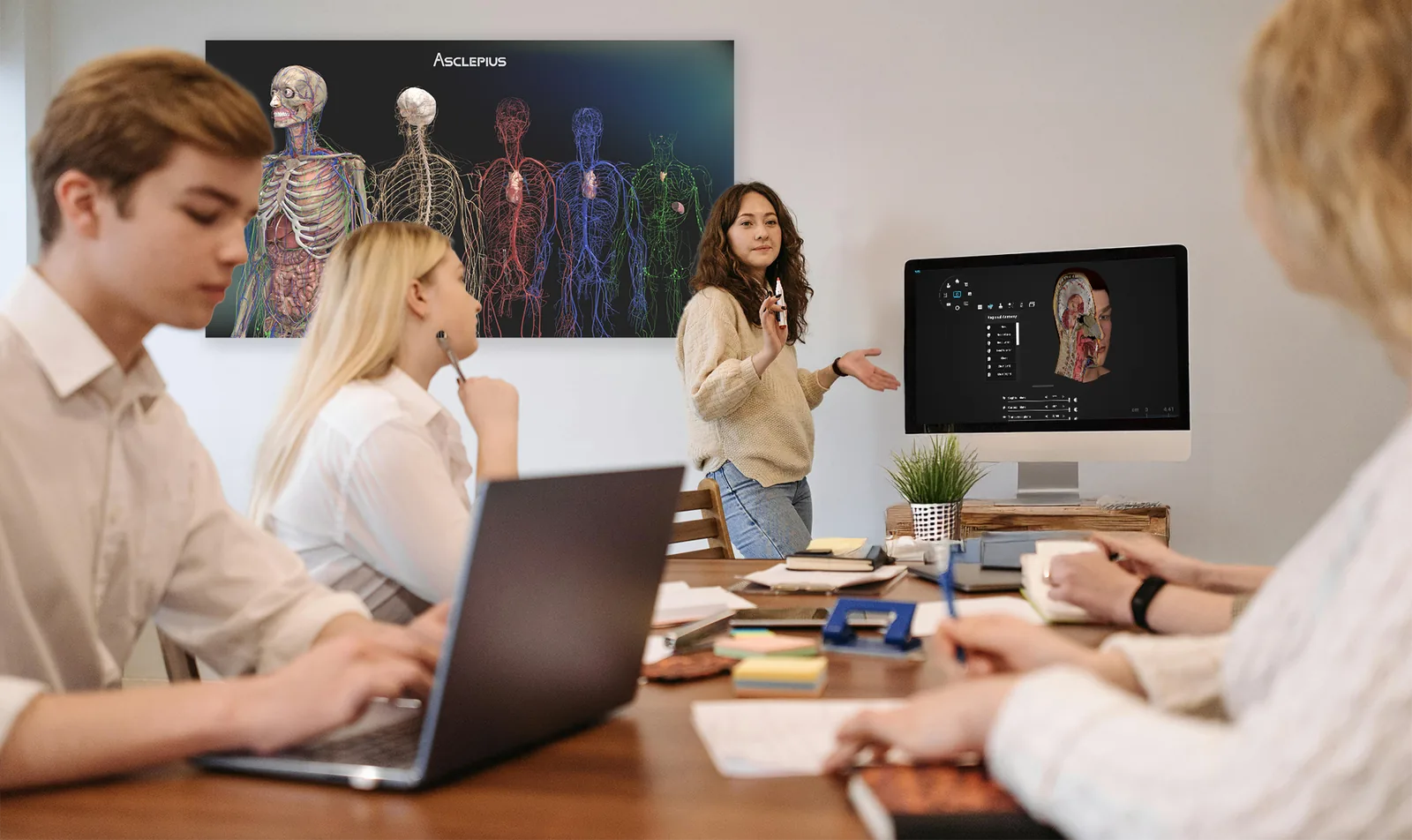
Middle school · grades 6–8
Interactive lessons with 3D models the students drive themselves instead of watching someone else drive.
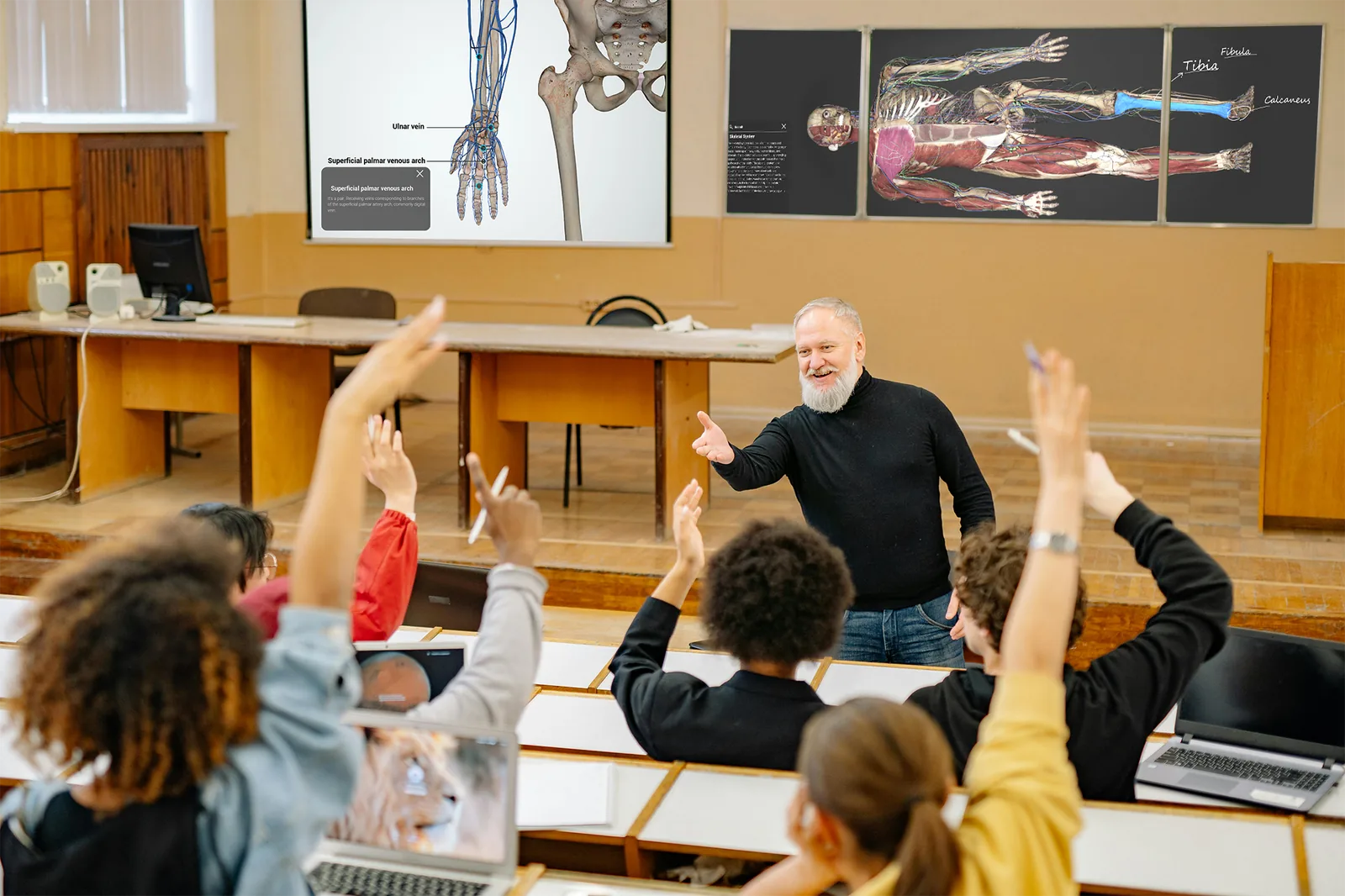
High school · grades 9–12
In-depth anatomical study without a physical dissection.
Classroom and independent study
Asclepius is used in the classroom and for independent study, giving students access to the same resources on their own.
Choosing a Model
Four models to choose from
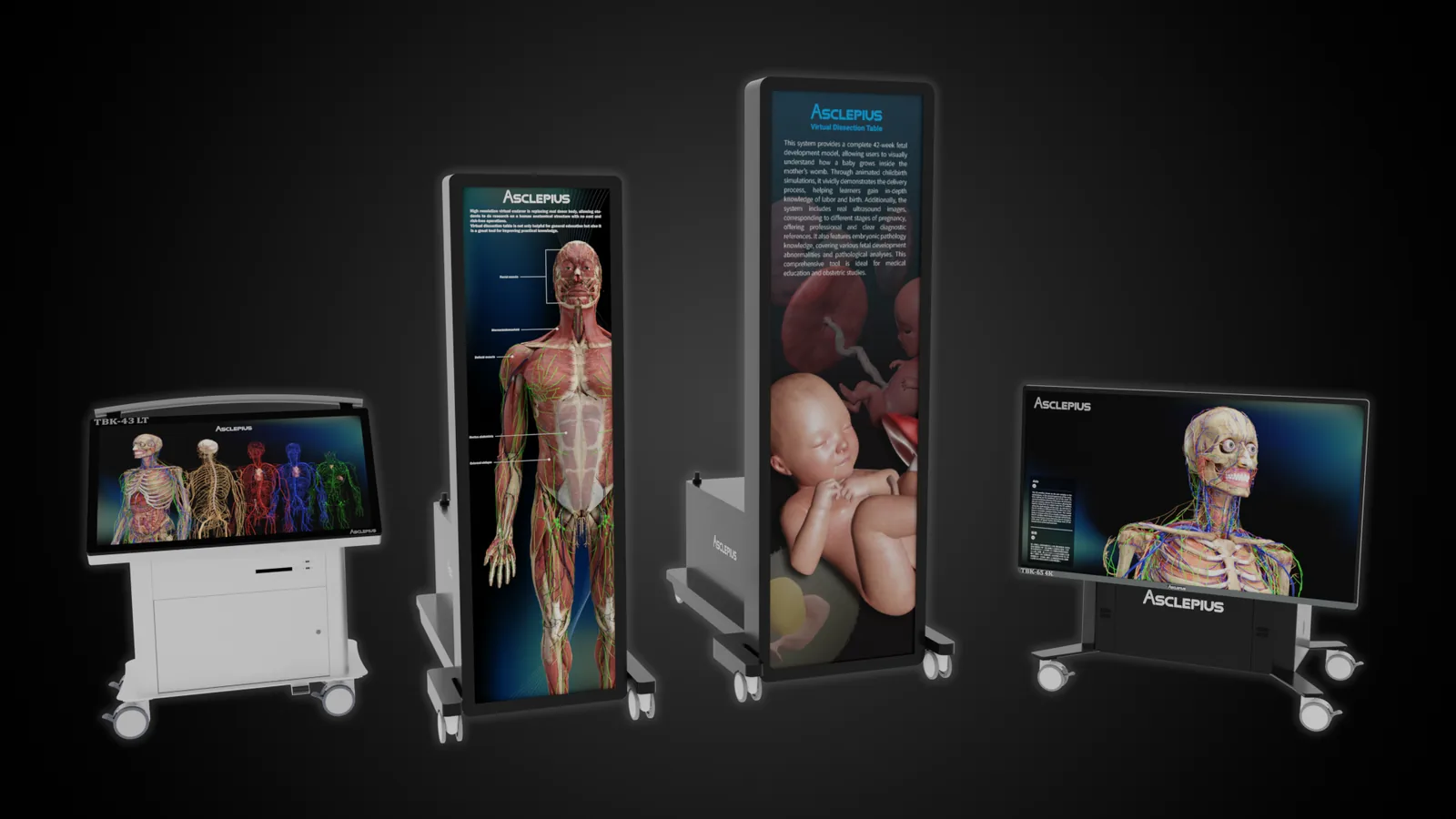
One platform in four sizes, chosen by how many people need to stand around it at once — from a compact lecture table for a small classroom to a life-scale upright screen a whole cohort can see.
- TBK-43 LT — lecture table, 2–4 people. The most compact model, light enough to be wheeled between rooms
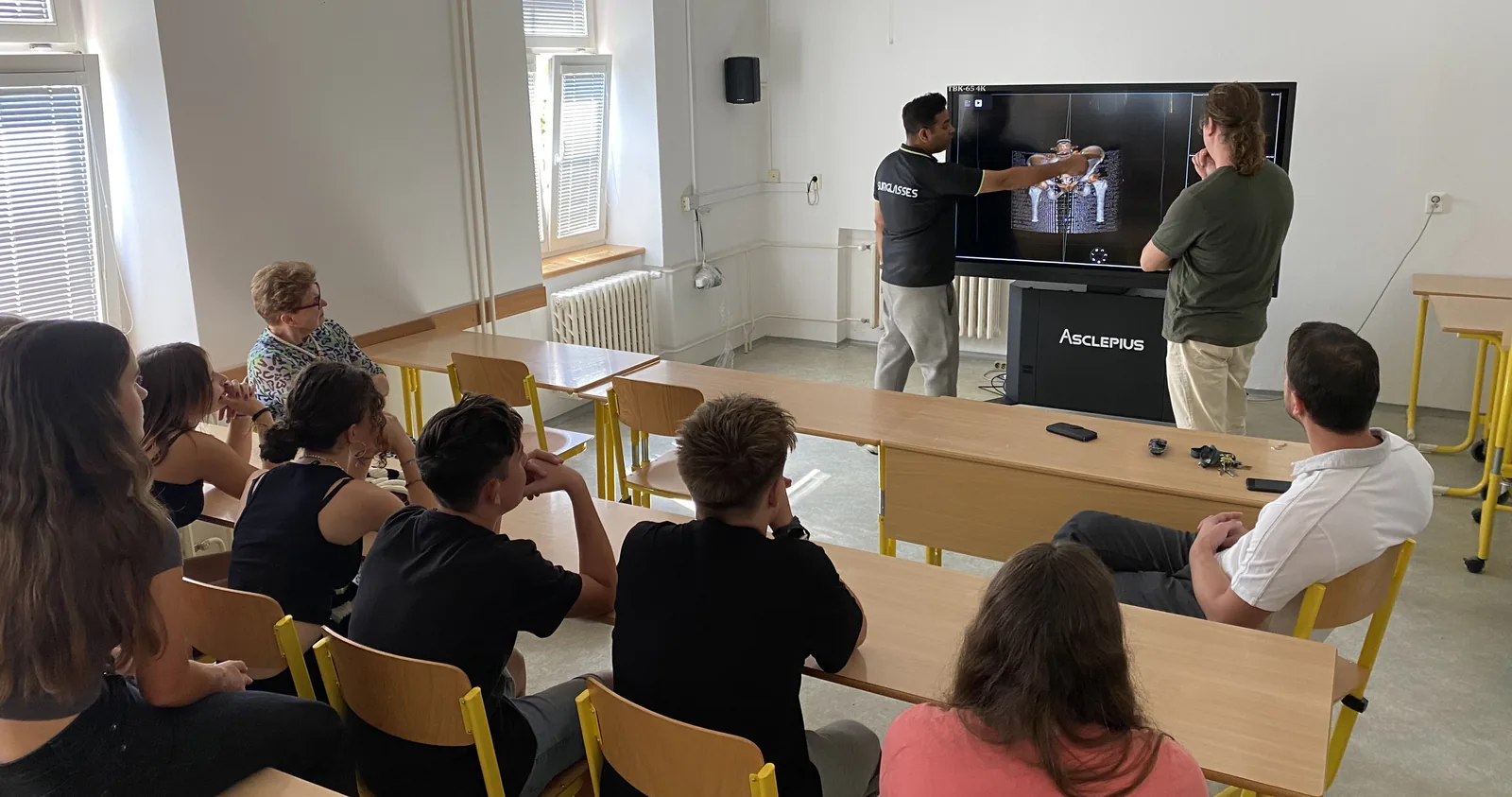
- TBK-65 4K — small group, 5–7 people. Suited to histology and pathology slides
- TBK-84 EA — larger group, 7–10 people. Rises from flat to upright on a single button, for classrooms and anatomy laboratories
- TBK-99 EA — large-scale course, 7–10 people. The largest digital touch anatomy table; bodies are shown at life scale
Talk to an expert
Tell us who you teach
A simulation center, a medical school, an undergraduate program and a school science department each need a different model and a different software set. Tell us the audience and the size of your classes and we will show you the combination that fits — online, or on site with the table in front of you.